Beginning static analysis at binary level using Radare2 and Python
- Sarang Joshi
- Jan 8, 2021
- 1 min read

In this post, we will use the popular open-source tool Radare2 and exploit the scripting capabilities of Radare2 with Python. In this small example, we will introduce the basic concepts of how to get started with Radare2 and perform some static analysis on the popular Linux utility /bin/ls
This is the second post of the series on using Radare2 for binary analysis. This post builds on the previous post which focuses on installing radare2 and using it in the interactive mode. In this blog post, we explore the scripting capabilities of radare2.
Installation
Radare2 can be invoked from a Python script using the r2pipe module. Install r2pipe using pip3 as follows. Open the command prompt on Windows or terminal on Linux/Mac and run the following command.
pip3 install r2pipeLets us write a small python script to print all the functions in /bin/ls
import r2pipe
r2 = r2pipe.open("/bin/ls")
r2.cmd('aa')
all_functions = r2.cmdj("aflj")
print(all_functions)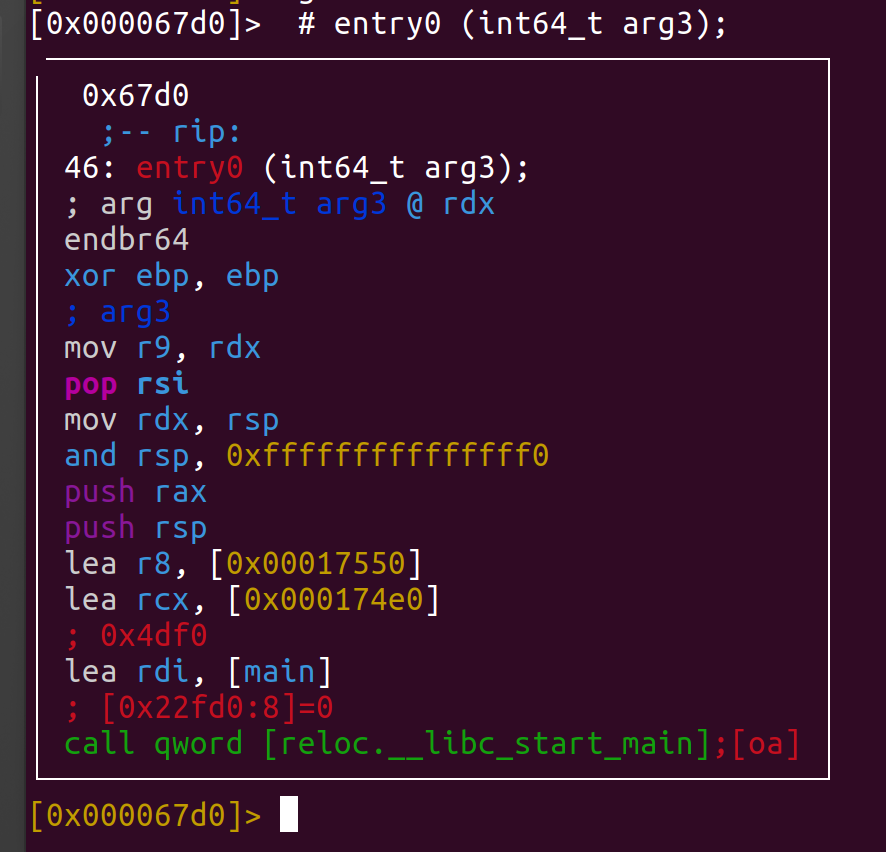


Comments